
Note: If you have not setup your device's Google Account, you will have to do this first.
Click here for some basic instructions
Tap "Play Store" on your device.
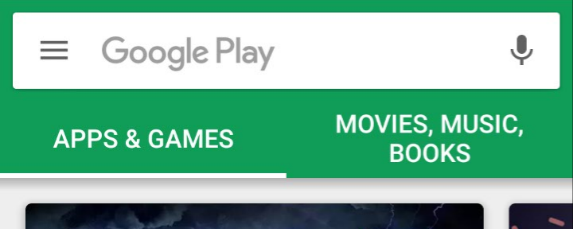
In the search bar, search, "guardtek" or "Trackforce".

You will have many options to choose from, download the app that corresponds to your company or your region.
If you do not have a customized app, download one of the following:
m-Post

Tap this for m-Post.
Patrol
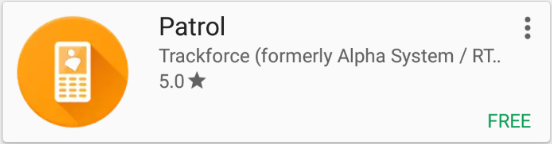
Tap this for Patrol.
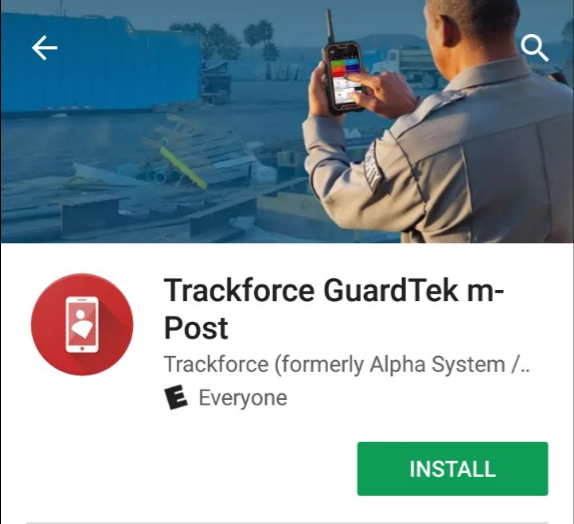
Tap "Install"
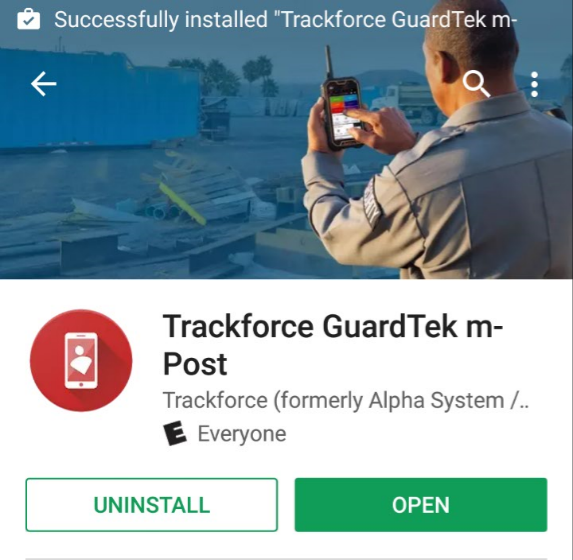
Once downloaded, click "Open" to open the app.
Best Practices: It is highly recommended to enable "Auto-update" to ensure the app on the device is up-to-date and can take advantage of all the newest features.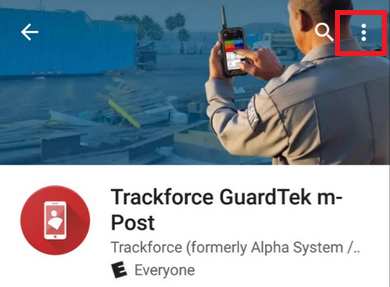
Tap the three horizontal dots in the top right corner.

Check the box or ensure that it is checked.
Comments
0 comments
Please sign in to leave a comment.