
In this article we will go over how an m-Post User can start and end a shift.
How to Start a Shift
To start a shift:
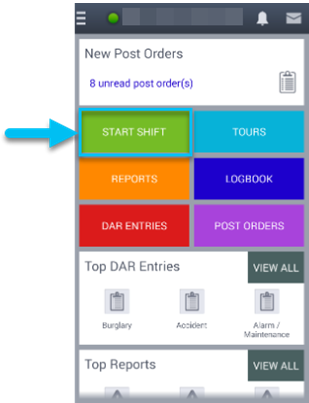
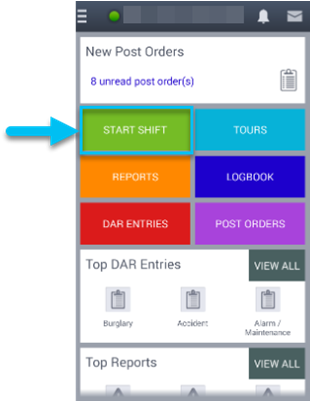
1. Tap the green START SHIFT button on the home page:
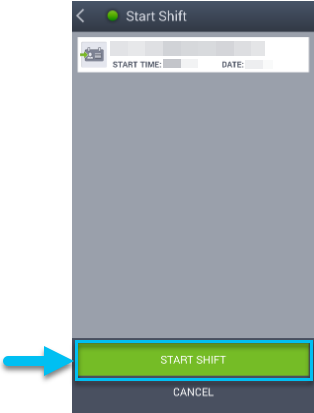
2. Tap the second green START SHIFT button on the pop-up screen:
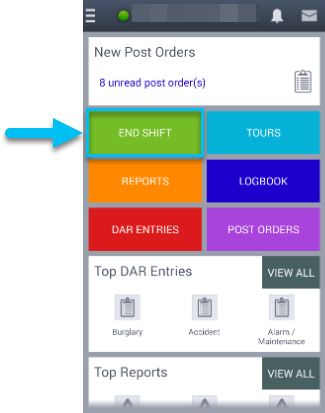
NOTE: The START SHIFT button will change to END SHIFT:
How to End a Shift
To end a shift:
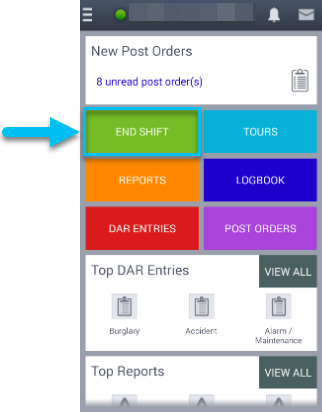
1. Tap the green END SHIFT button on the home page:
2. Tap the second red END SHIFT button on the pop-up screen:
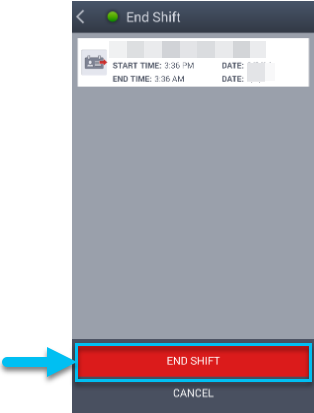
NOTE: The END SHIFT button will change to START SHIFT:
Comments
0 comments
Please sign in to leave a comment.